1:首先要安装window 2008 r2 中文版
2:破解操作系统
我用的是SK_Patch_v1_R2_Final_jihuogongju的软件
下载地址:
破解开始:
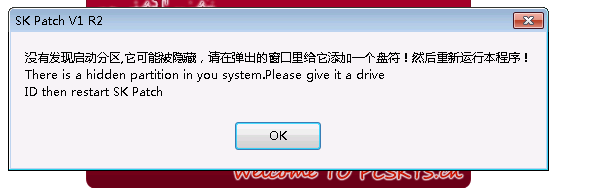
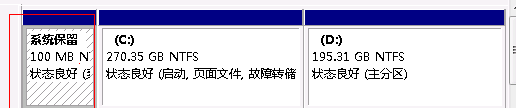
他会报一个隐藏分区,没关系的,我们加上盘符即可。
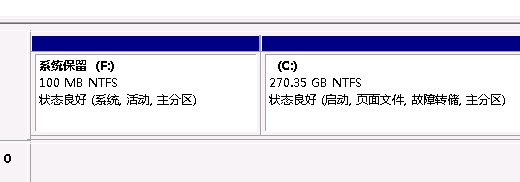
加上之后
再点击程序。
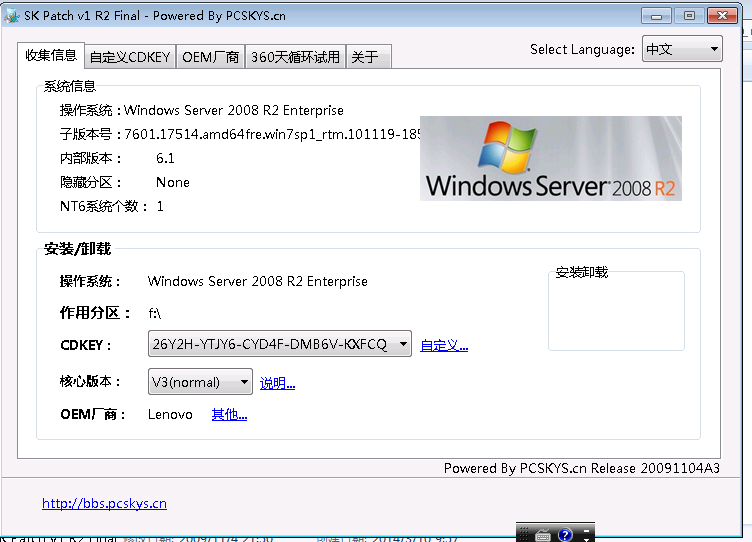
会有如下提示。
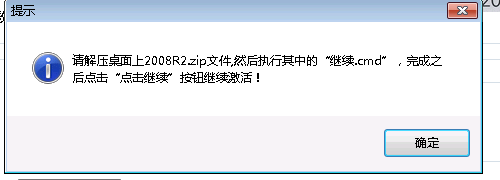
这是因为权限的问题,造成的。
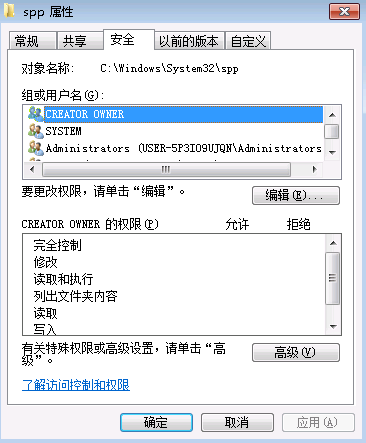
修改权限即可
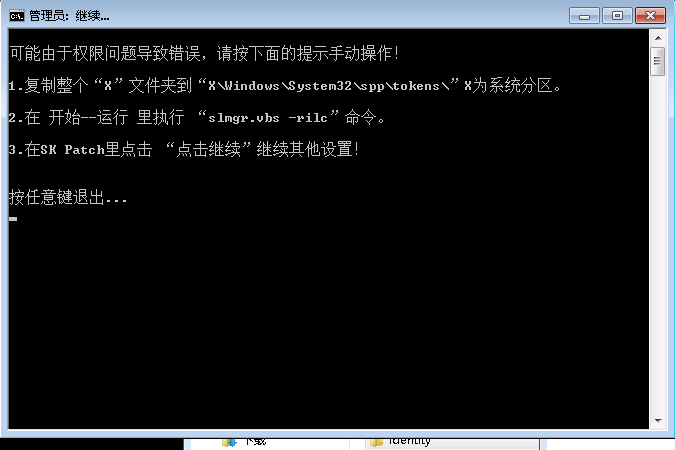
然后按他的提示继续完成破解。
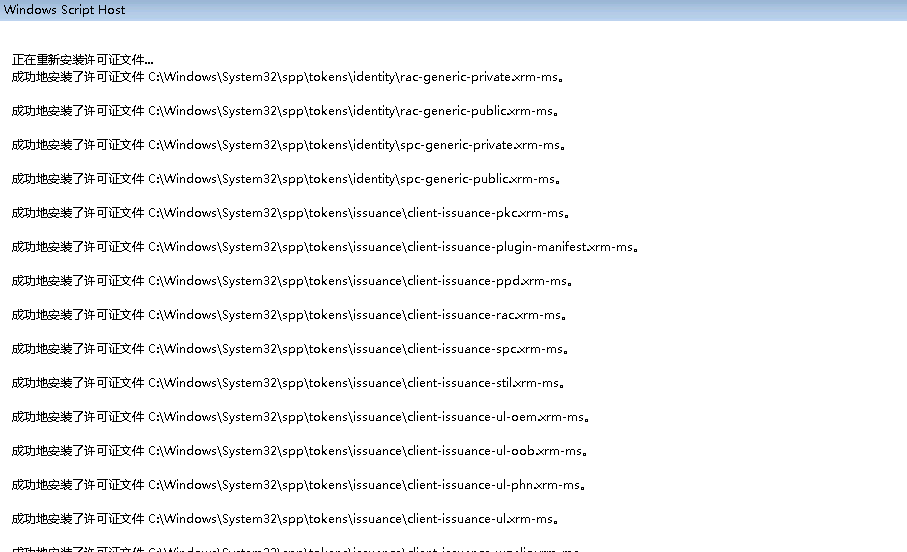
然后点击继续,然后重启即可!
因为部署安装必须要安装域服务。
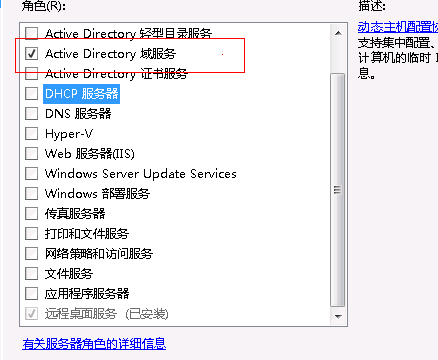
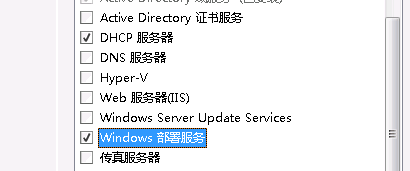
还要安装dhcp服务和自动部署服务(以下没显示的都直接点下一步)
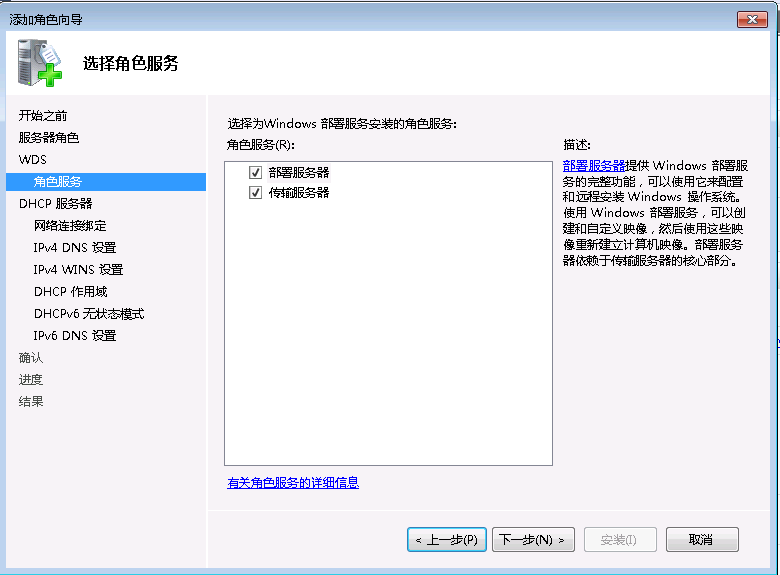
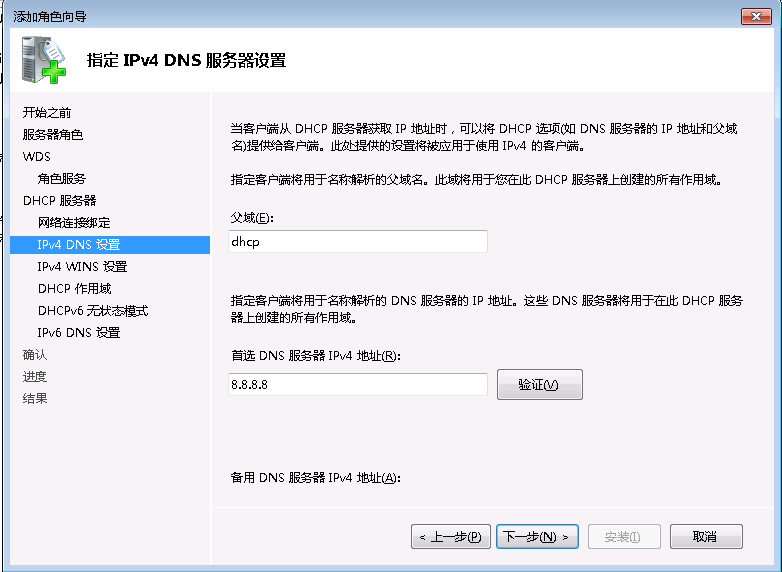
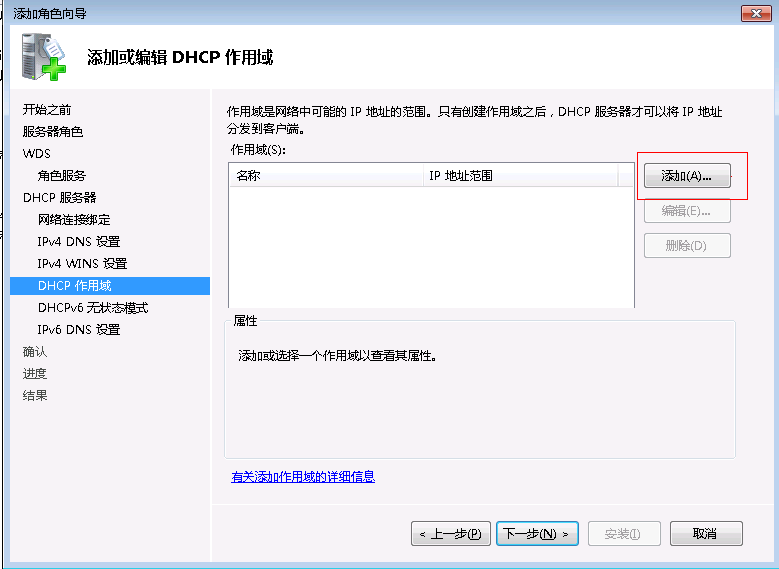
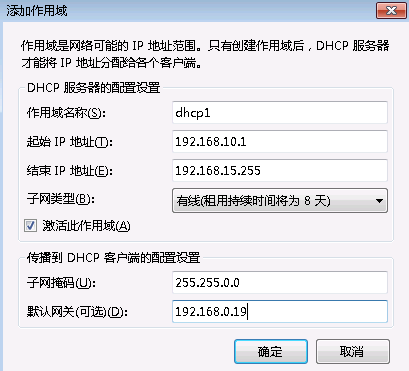
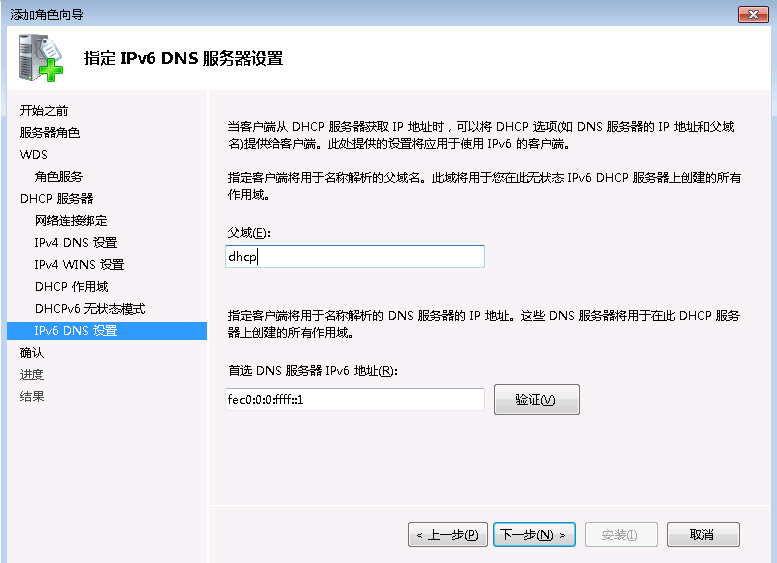
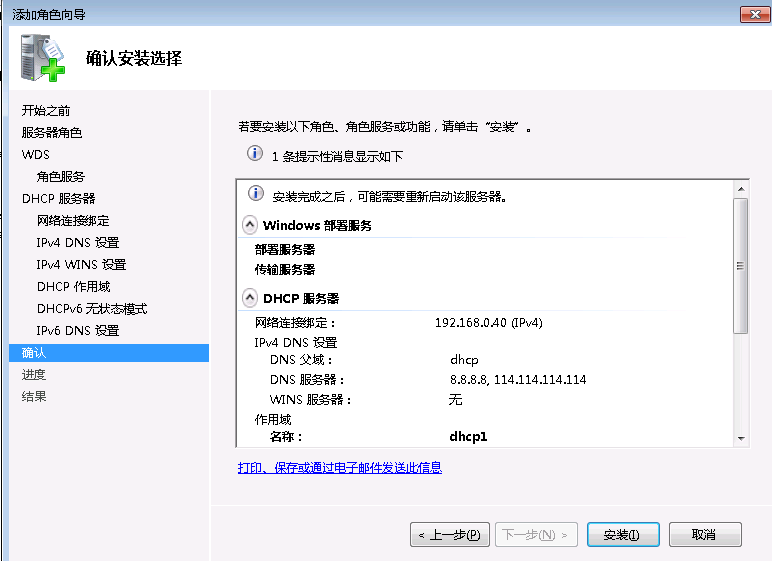
配置域,在cmd下输入dcpromo (以下没显示的都直接点下一步)
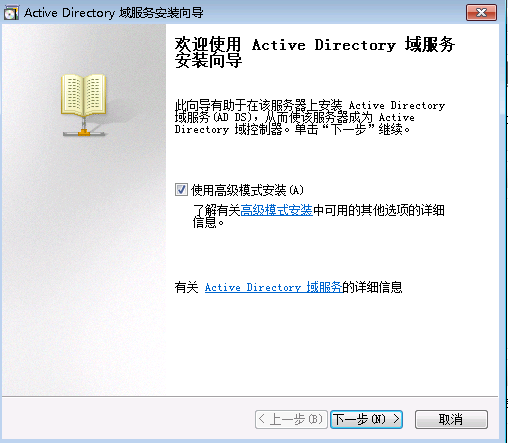
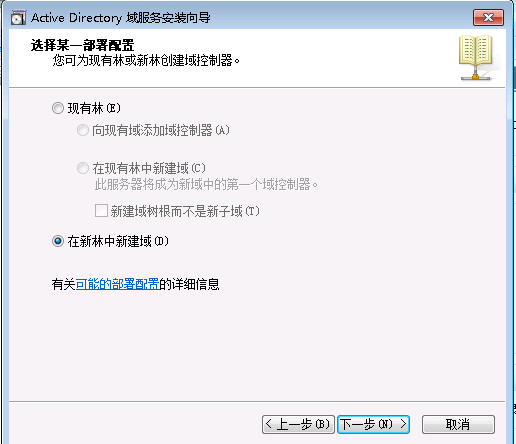
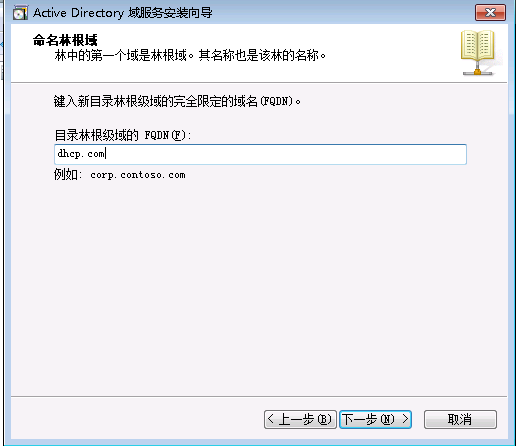
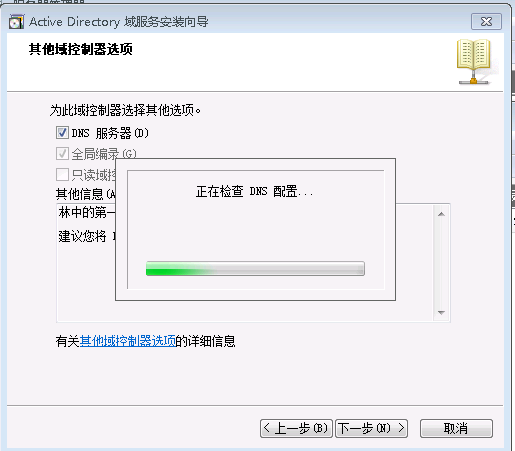
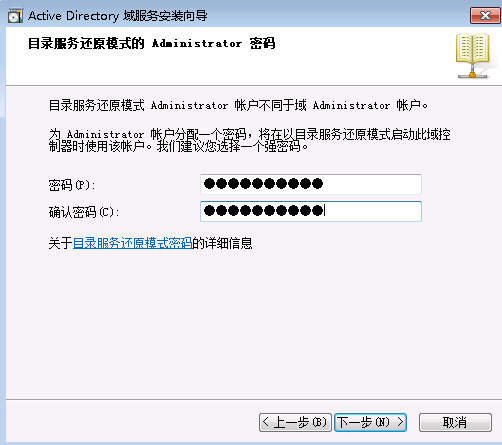
后来由于机器在安装时一直卡在”正在将本地计算机配置为主持active directory 域服务“。所以没有继续,可能的原因是硬盘问题,我打算用linux系统做安装部署。等下次弄个虚拟机继续更新文档。
添加驱动报错Error Code: 0xc1420127 处理办法。
Error Occurred while trying to execute this command.
Error Code: 0xc1420127
If you were trying to add a driver to a boot wim and it failed resulting in that error code the following may help.
1. Clear all your temp directorys.
2. Browse to “HKEY_LOCAL_MACHINE\SOFTWARE\Microsoft\WIMMount\Mounted Images” and delete any keys below this.
WDS should now allow you to add drivers to the boot.wim.