8 月 032023
 

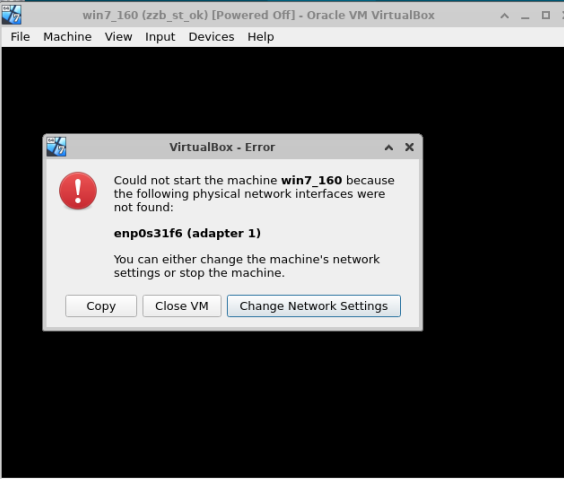
之前对vbox的系统做过快照,快照里面存一些重要东西不能重启,所以需要迁移的时候,以快照的时候会报网卡名字不对,因为一般情况,新机器的网卡名字都有改变,报错如下。
image

处理办法有2个,

1:修改网卡名,这个比较能简单理解。具体参考网上文档。我由于是Ubuntu 22.04更改网卡名比较麻烦,所以自己测试了第二个办法。

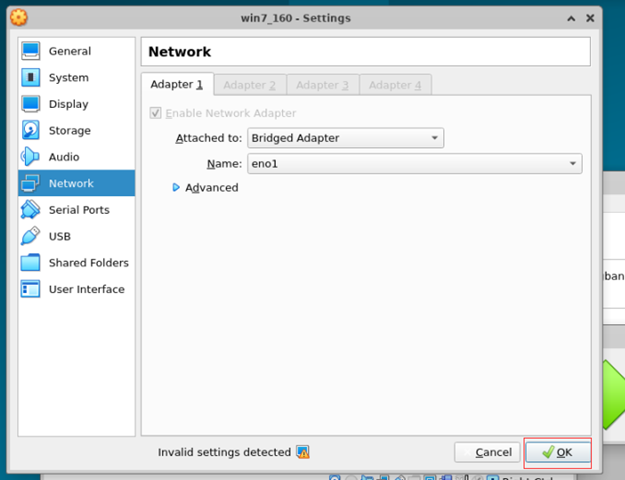
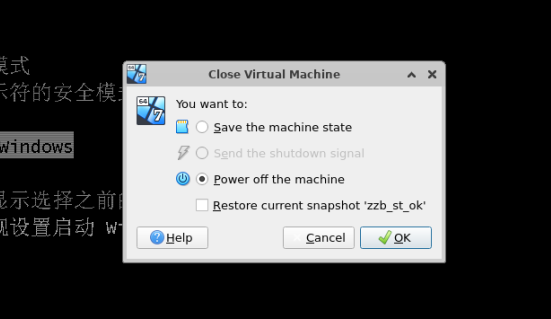
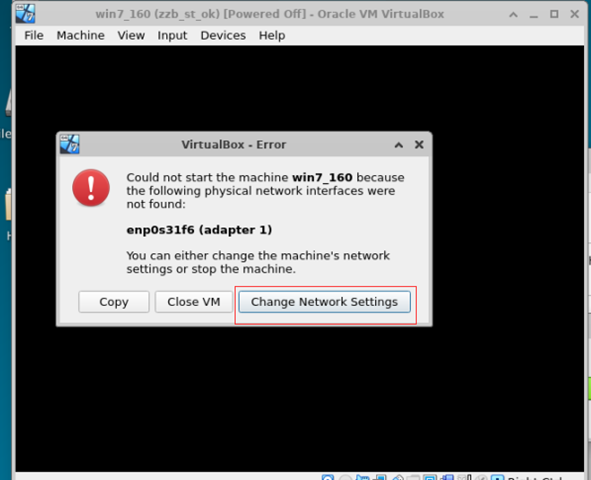
2:解压迁移压缩包,启动报错,根据vbox提示更换网卡。然后把带有网卡信息的vbox文件保存下,然后还原,把vbox文件替换掉。
image

image

以上是修复网卡,关闭机器,copy vbox相关文件

image

cp win7_160/*vbox* xiufu/

cd xiufu

sed -i ‘s/enp0s31f6/eno1/g’ ./*vbox*

image

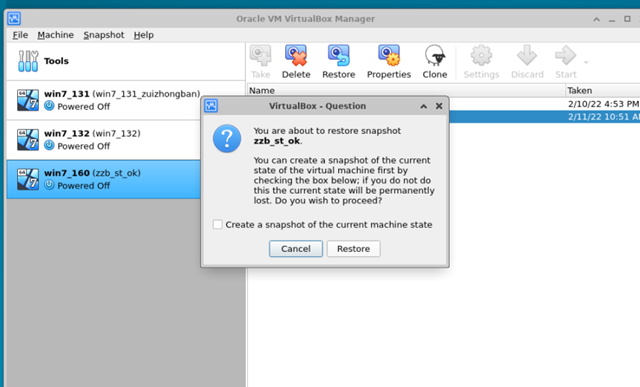
然后还原压缩包,还原镜像到快照,最后并把正确的vbox文件覆盖

tar -zxvf win7_160.tar.gz
image

cp xiufu/*vbox* win7_160/

PS:注意 后面发现以上方法都不对,没办法复现之前的修复步骤,不过还是有办法解决这个报错。

出现报错

 image

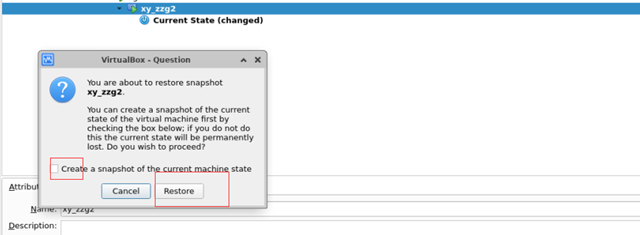
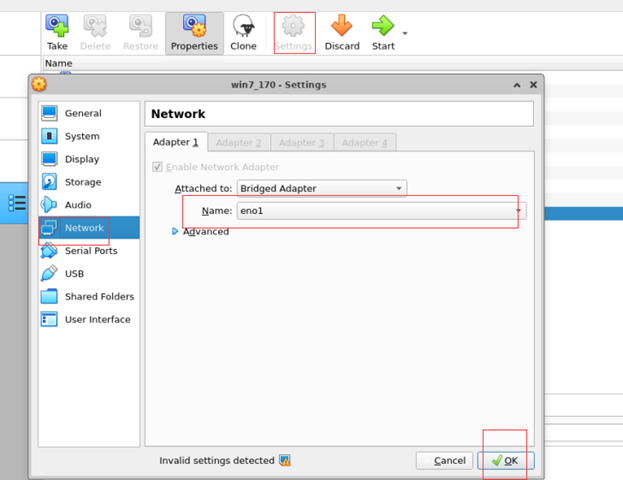
不需要按这个,退出,恢复快照,报错,然后直接设置setting

image

image


设置网卡,不需要更改直接apply,你就可以启动快照了。

image

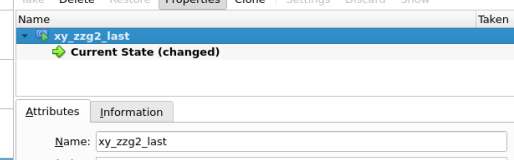
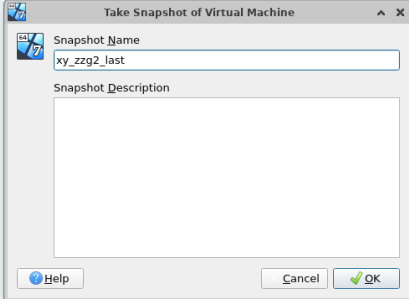
这时候需要重新做个快照,把之前的快照删除即可。用以前老的快照还是报网卡问题。
image

image

 Leave a Reply

You may use these HTML tags and attributes: <a href="" title=""> <abbr title=""> <acronym title=""> <b> <blockquote cite=""> <cite> <code> <del datetime=""> <em> <i> <q cite=""> <s> <strike> <strong>

(required)

(required)

这个站点使用 Akismet 来减少垃圾评论。了解你的评论数据如何被处理

This website stores cookies on your computer. These cookies are used to provide a more personalized experience and to track your whereabouts around our website in compliance with the European General Data Protection Regulation. If you decide to to opt-out of any future tracking, a cookie will be setup in your browser to remember this choice for one year.

Accept or Deny